Existing buildings

Your building has the assets. Let's get the data.

Create a digital asset registry tied directly to your floorplans. Collect furniture, equipment, IP devices, and virtually any other inventory, without complicated software or a steep learning curve.
Schedule a walkthrough Start with the data you need today. Keep it useful for what comes next.
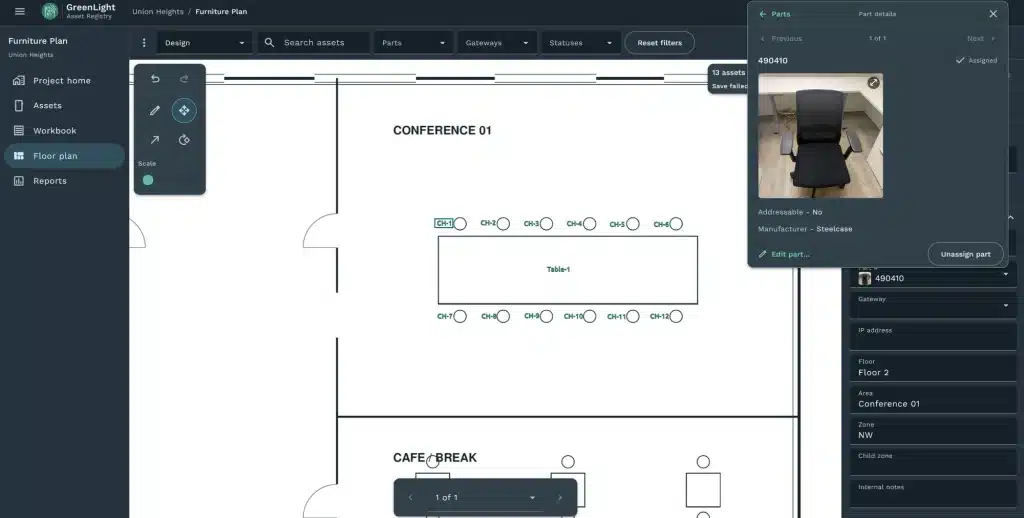
GLAR furniture floor plan of a conference room, with a chair's part details open

How it works

From inventory to usable data in three steps.

1

Start with what you have

Item catalog
ItemTypeQty
Task chairFurniture412
Desk, 60 in.Furniture388
Display, 55 in.AV64
Access pointNetwork96
PrinterIT18

Upload an existing floorplan and any known asset lists to build a selectable catalog in the field.

2

Collect data on-site

Phone scanning the asset tag on rack equipment and showing the matched record

Select an existing item or create a new one as you go. Capture the details that matter, such as manufacturer, model, dimensions, serial number, network identifiers, photos, and location.
3

Build your floorplan-linked registry

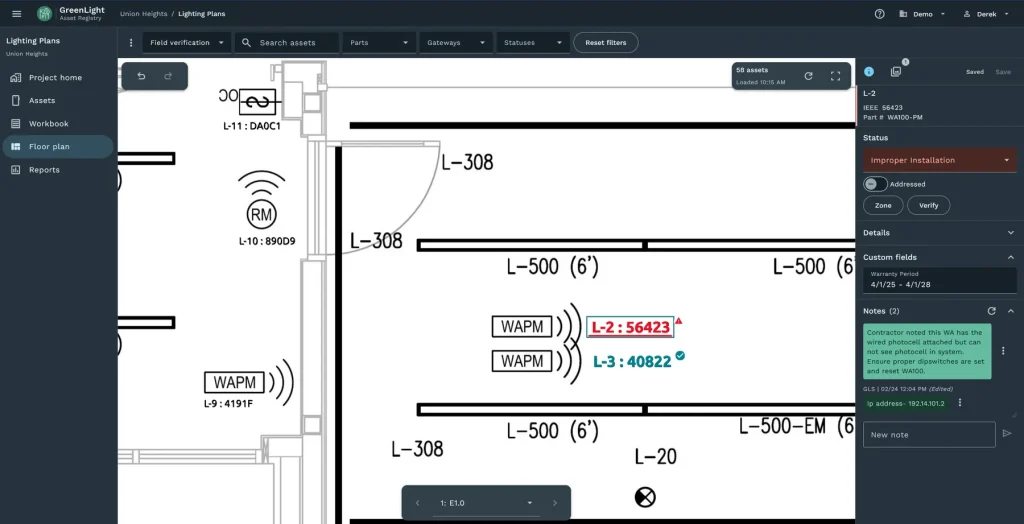
GLAR floor plan with asset markers

Connect collected assets to their locations on your floorplans. Create an organized, accessible record that can support planning, reporting, exports, integrations, and future asset management.

Make any asset easy to identify.

No barcode? No problem. Give every asset a digital identity.

Not every asset has a serial number, network connection, or manufacturer label that makes it easy to track. GLAR makes it simple to add QR codes or RFID tags to furniture, equipment, and virtually any other physical asset.

Apply a tag, associate it with an asset in GLAR, and make future identification and data collection easier. Instead of relying on spreadsheets, manual descriptions, or guesswork, your team can quickly identify assets and connect them to their locations on your floorplans.

Choose the identification method that fits your needs.

QR codes for simple, direct identification

Ideal for teams that want to scan individual assets using a phone or tablet. Low-cost labels can make otherwise unidentifiable items easy to look up and verify.

RFID for efficient inventory and audits

Ideal for larger inventories where compatible readers can identify multiple tagged assets more efficiently than scanning labels one at a time.

Whether you're documenting workstations, furniture, equipment, or other non-networked assets, GLAR helps turn physical items into identifiable, floorplan-linked records.

Simple to tag. Easy to find. Ready to use.

Flexible applications

One simple tool. Multiple applications.

Space planning

Document furniture, dimensions, quantities, and locations.

Facilities and equipment

Build an inventory of equipment, installed systems, and their locations.

IT and IP devices

Capture serial numbers, IP and MAC addresses, and device locations.

Audits and renovations

Establish a reliable baseline before planning changes or making decisions.

The value

Better decisions start with better data.

You don't need another complicated system to get started. You need a practical way to collect the right information, organize it, and connect it to the building.

GLAR helps you establish that foundation. Export the data, integrate it with other systems where supported, or build on your registry as your needs evolve.
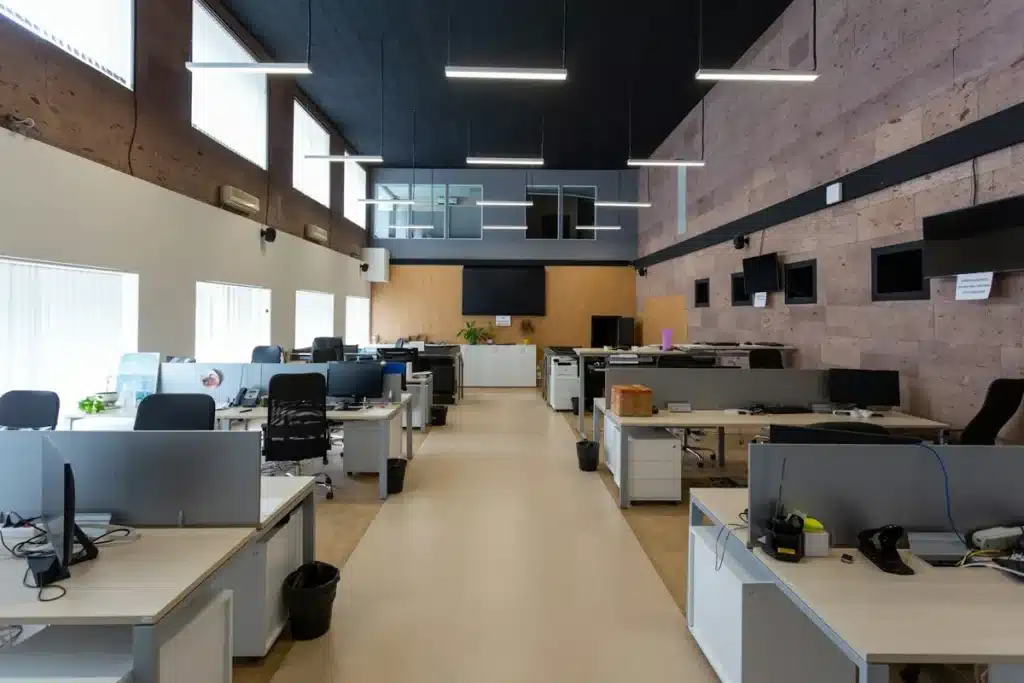
Open-plan office with ceiling lighting, desks, and displays

Schedule a walkthrough

Start with the data. Build from there.

See how easy it is to create a floorplan-linked asset registry for your building.

Bring a spreadsheet, a sample inventory, or a floorplan to your walkthrough, and we will show how it becomes a structured, location-linked registry.

This site is protected by reCAPTCHA and the Google Privacy Policy and Terms of Service apply.